Click-to-annotate overlay for any HTML page. Drop coral-gradient pins on any element, write feedback inline, copy out as Markdown / Plain / JSON — or as a For AI handoff that pastes straight into Claude Code for one-pass fixes.




A fake product page you can annotate right now: press M, click anything, write a note, copy it out as Markdown. 30 seconds, nothing to set up.
- For AI export — a fourth format with a unique CSS selector + HTML snapshot per pin, written to be pasted straight into Claude Code (or any coding agent): "Copy all → paste → every note gets fixed in one pass."
- Pins anchor to their element — they survive window resizes and responsive reflows instead of drifting off-target.
- Annotations persist — stored in
localStorageper page and restored on reload, so an accidental refresh no longer loses a review. - Hover preview — while marking, the element a click would annotate shows a dashed outline before you commit.
- Undo for Clear — clearing all pins shows a 5-second Undo toast instead of being irreversible.
Activate — a dark glass pill in the top-right corner. Click it or press M, then click anywhere on the page to start dropping pins.
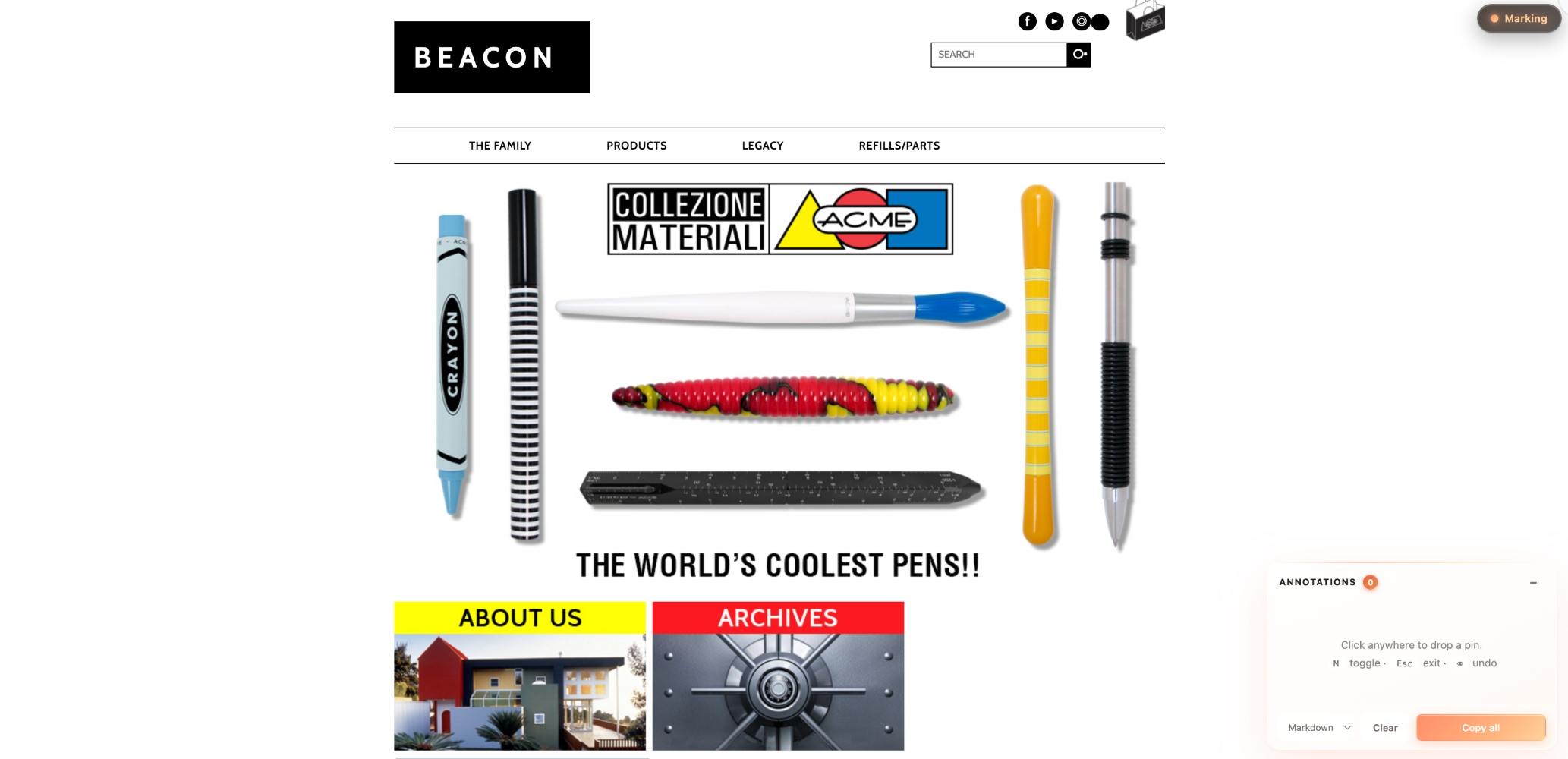
Annotate — every click drops a coral-gradient pin and opens an inline note popup. Press Enter to save, the pin gets a small coral dot indicating "has note." Notes accumulate in the side panel — click "Copy all" to grab them as Markdown.
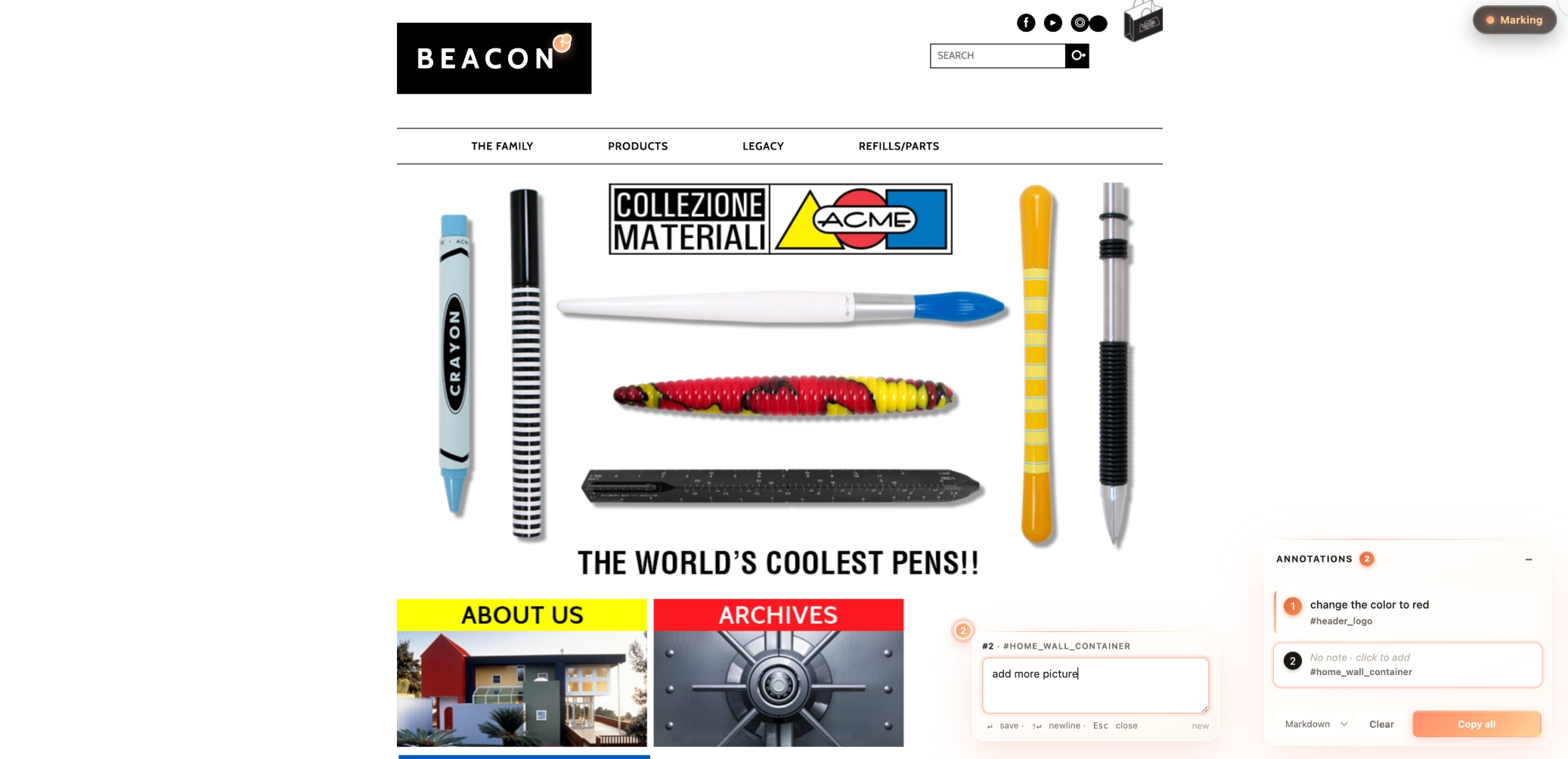
The output you'd paste into Notion / Linear / Lark:
**1.** change the color to red
   <sub>#header_logo · `#header_logo`</sub>

**2.** add more picture
<sub>[data-mm-label] · `[data-mm-label]`</sub>Design review is usually one of two things:
- Screenshots with red circles in Figma — slow, fragmented, hard to ship.
- "On the third card from the left, the price font is too small…" — verbose, lossy, easy to miss.
HTML Mark collapses both into a single workflow:
Click → write what's wrong → press Enter → copy → paste.
The output is structured Markdown ready for any review tool. The reviewer's hands never leave the keyboard.
clawhub install html-markThe skill auto-loads in Claude Code. Then in any chat:
Add html-mark to /path/to/prototype.html
Claude injects the runtime as a <script> block before </body>, keeping the HTML self-contained so you can email or AirDrop it.
# Option A: inline (best for single-file prototypes)
cat ~/.claude/skills/html-mark/html-mark.js
# paste inside <script>…</script> right before </body>

# Option B: external script (best for multi-page projects)
<script src="./html-mark.js"></script>Generate a self-contained bookmarklet that works on any page:
echo "javascript:$(python3 -c "
import urllib.parse
js = open('$HOME/.claude/skills/html-mark/html-mark.js').read()
print(urllib.parse.quote(js, safe=''))
")"
Save as a browser bookmark. Click it on any page to enter mark mode. See examples/advanced.md for the hosted variant and CSP caveats.
| Key | Action |
|---|---|
M |
Toggle mark mode |
Esc |
Exit mark mode / close note popup |
Backspace |
Delete last pin (when not typing) |
Enter |
Save note |
Shift+Enter |
New line in note |
| Element | Look |
|---|---|
| Toggle | Dark glass pill, top-right. ON state: glowing coral-gradient dot + honey text. |
| Pin | 22px coral-gradient orb (#ff8d6b → #ffaf7a → #ffc890), white border, soft coral glow. A coral dot appears on the top-right corner once it has a note. |
| Note popup | Real glassmorphism (backdrop-filter: blur(24px) saturate(160%)), gradient highlight line on top, appears next to its pin. |
| Panel | Glass card, draggable header, collapsible to a single-row badge. List items with a note show a vertical coral accent bar on the left. |
| Toast | Dark glass capsule, bottom center, fades after 2s. |
All UI uses .mm-* class prefixes — guaranteed not to collide with your target page's CSS.
Pin labels are auto-inferred from id / aria-label / button text / heading level. For semantically opaque elements (a generic <div> representing a card, say), set:
<div class="card" data-mm-label="Plan card: Mini">…</div>The pin's label will use data-mm-label verbatim, making the copied output much easier to read.
Pick the format that fits your downstream tool from the panel footer dropdown:
| Format | Best for |
|---|---|
| Markdown (default) | Notion, Linear, GitHub issues, Lark docs |
| Plain | Slack / chat, quick text dumps |
| JSON | Programmatic processing, developer handoff |
The skill gets invoked across many target pages — light, dark, neutral, brand-heavy. A neutral chrome would either disappear on busy pages or feel out of place on premium designs. Glass with a warm coral accent:
- Stays legible on any background (blur + saturate carries enough contrast)
- Feels native to high-end product UIs (Vision Pro / Stripe / Linear visual vocabulary)
- Coral palette is warm but professional — won't clash with brand colors
Want a different accent? Fork and swap the linear-gradient(135deg, #ff8d6b 0%, #ffaf7a 55%, #ffc890 100%) value across the CSS — it's the only color token used for accents.
html-mark/
├── SKILL.md           # ClawHub metadata + invocation guide
├── README.md          # This file
├── html-mark.js       # Self-contained runtime (~600 lines, single file)
├── screenshots/       # Demo images shown above
│   ├── 01-empty-state.png
│   └── 02-with-pins.png
├── examples/
│   ├── basic.md       # Scenario A: inject into one HTML
│   └── advanced.md    # Scenario C: build a bookmarklet
└── tests/
    └── test.md        # Manual smoke test checklist
- 1.1.1 (2026-05-19) — Embed demo screenshots in SKILL.md (the page ClawHub renders) using absolute GitHub raw URLs, so images are visible on both GitHub and ClawHub. Swap screenshot filenames to match content.
- 1.1.0 (2026-05-19) — Add demo screenshots, all docs translated to English. No runtime changes.
- 1.0.0 (2026-05-19) — Initial release: glass UI, coral pins, inline note popups, draggable panel, Markdown/Plain/JSON export, keyboard shortcuts. (Originally published under the
mark-modeslug; renamed tohtml-markto make scope clearer.)
MIT-0 — take it, fork it, ship it. No attribution required.