This project uses Google Drive API to Index Files and Folders.
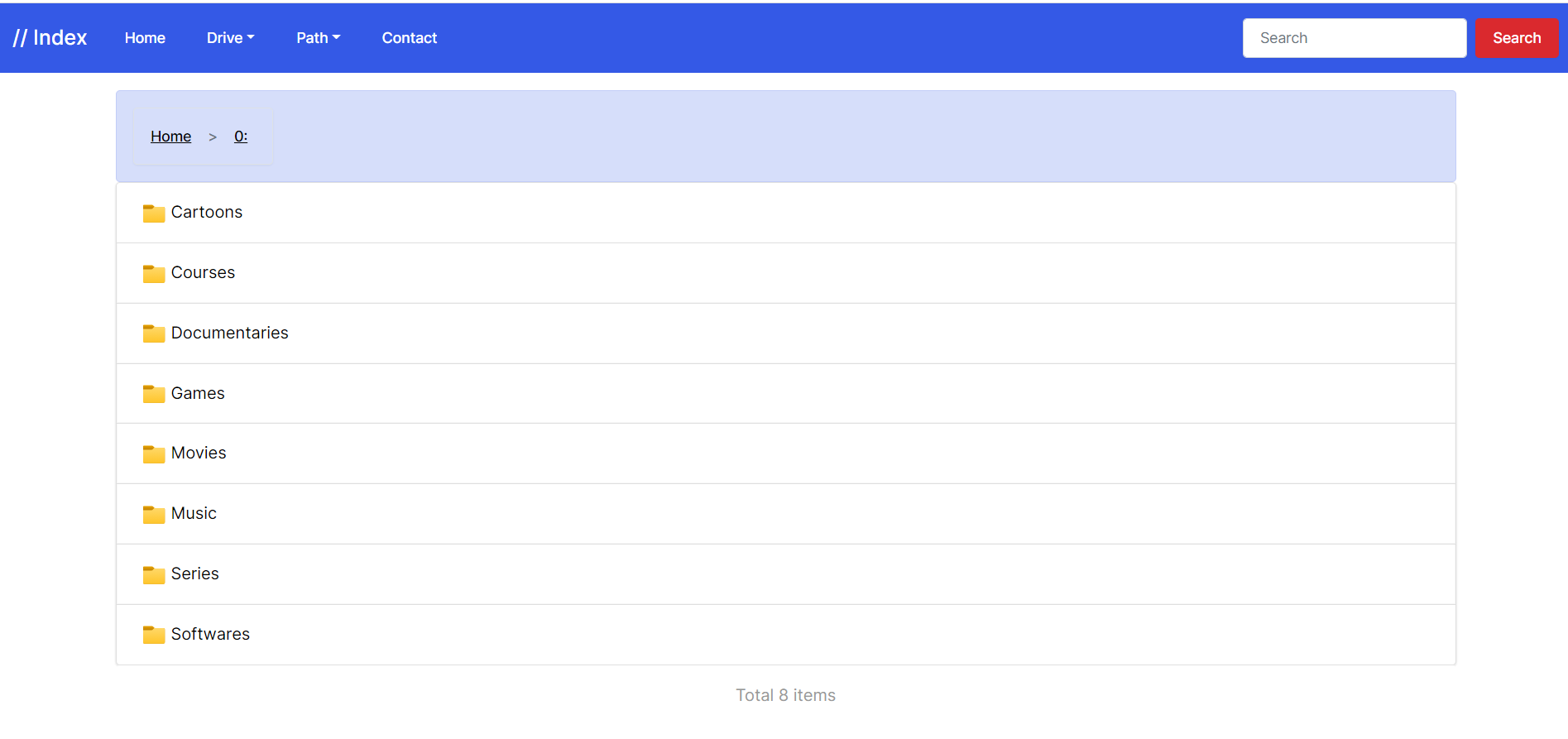
    "roots":[
      {
          "id": "root",
          "name": "Drive One",
          "protect_file_link": false,
         // "auth": {"username":"password"}
      },
    ]};
    "roots":[
      {
          "id": "root",
          "name": "Drive One",
          "protect_file_link": false,
         // "auth": {"username":"password"}
      },
      {
          "id": "root",
          "name": "Drive Two",
          "protect_file_link": false,
         // "auth": {"username":"password", "username1":"password1"}
      },
    ]};
- Multiple Service Accounts are supported.
- set
"service_account": falseto"service_account": true - Replace {} with data from service account
file.json
- For single user
// "auth": {"username":"password"}
- For multiple users
      {
          "id": "",
          "name": "Drive Two",
          "protect_file_link": false,
          // "auth": { "user1":"pass1", "user2":"pass2", }
      },
- where
"user1":"pass1"and"user2":"pass2"are combinations. - if users adds
"auth":{"":""}empty values then the site will ask for authentication but user can enter without entering any data by clicking submit.
- This is directory encryption.
- Add a .password file your required password in your folder which you want to protect, each folder should have its own .password file.
- The password is stored inside the Google Drive Folder, not the index and the .password file is hidden an cannot be accessed using Index.
const uiConfig = {
  "theme": "slate", // switch between themes
  "version": "",
  // If you're using Image then set to true, If you want text then set it to false
  "logo_image": true, // true if you're using image link in next option.
  "logo_height": "", // only if logo_image is true
  "logo_width": "100px", // only if logo_image is true
  "favicon": "",
  // if logo is true then link otherwise just text for name
  "logo_link_name": "",
  "fixed_header": true, // If you want the footer to be flexible or fixed.
  "header_padding": "60", // Value 60 for fixed header, Value 20 for flexible header. Required to be changed accordingly in some themes.
  "nav_link_1": "Home", // change navigation link name
  "nav_link_3": "Path", // change navigation link name
  "nav_link_4": "Contact", // change navigation link name
  "fixed_footer": false, // If you want the footer to be flexible or fixed.
  "hide_footer": true, // hides the footer from site entirely.
  "header_style_class": "navbar-dark bg-primary", // navbar-dark bg-primary || navbar-dark bg-dark || navbar-light bg-light
  "footer_style_class": "bg-primary", // bg-primary || bg-dark || bg-light
  "css_a_tag_color": "white", // Color Name or Hex Code eg. #ffffff
  "css_p_tag_color": "white", // Color Name or Hex Code eg. #ffffff
  "folder_text_color": "white", // Color Name or Hex Code eg. #ffffff
  "loading_spinner_class": "text-light", // https://getbootstrap.com/docs/5.0/components/spinners/#colors
  "search_button_class": "btn btn-danger", // https://getbootstrap.com/docs/5.0/components/buttons/#examples
  "path_nav_alert_class": "alert alert-primary", // https://getbootstrap.com/docs/4.0/components/alerts/#examples
  "file_view_alert_class": "alert alert-danger", // https://getbootstrap.com/docs/4.0/components/alerts/#examples
  "file_count_alert_class": "alert alert-secondary", // https://getbootstrap.com/docs/4.0/components/alerts/#examples
  "contact_link": "", // Link to Contact Button on Menu
  "copyright_year": "2021", // year of copyright, can be anything like 2015 - 2020 or just 2020
  "company_name": "", // Name next to copyright
  "company_link": "", // link of copyright name
  "credit": true, // Set this to true to give us credit
  "display_size": true, // Set this to false to hide display file size
  "display_time": false, // Set this to false to hide display modified time for folder and files
  "display_download": true, // Set this to false to hide download icon for folder and files on main index
  "disable_player": false, // Set this to true to hide audio and video players
  "custom_srt_lang": "", // Subtitle Language Code for Custom .vtt language.
  "disable_video_download": false, // Remove Download, Copy Button on Videos
  "second_domain_for_dl": false, // If you want to display other URL for Downloading to protect your main domain.
  "downloaddomain": "", // If "second_domain_for_dl": true then enter downloaddomain otherwise keep empty. eg. https://workers.workersname.workers.dev No Trailing '/'
  "poster": "", // Video poster URL or see Readme to how to load from Drive
  "audioposter": "", // Video poster URL or see Readme to how to load from Drive
  "jsdelivr_cdn_src": "", // If Project is Forked, then enter your GitHub repo
  "render_head_md": true, // Render Head.md
  "render_readme_md": true, // Render Readme.md
  "display_drive_link": false, // This will add a Link Button to Google Drive of that particular file.
  "plyr_io_version": "3.6.4", // Change plyr.io version in future when needed.
  "plyr_io_video_resolution": "16:9", // For reference, visit: https://github.com/sampotts/plyr#options
  "unauthorized_owner_link": "", // Unauthorized Error Page Link to Owner
  "unauthorized_owner_email": "", // Unauthorized Error Page Owner Email
  "search_all_drives": false // turn this on to switch this to gdrive search application
};
- Set second_domain_for_dl to
truefirst. - Set downloaddomain to ur new index you're going to make below.
- Then make separate index on different cloudflare account with worker-second-domain.js code.
- Change only refresh_token or SA and Drive IDs, don't touch anything else.
- It's done.
- There are 25 Themes from bootswatch official Bootstrap Themes.
- You can check Theme from bootswatch.com before selecting.
| Themes | |||||
|---|---|---|---|---|---|
| cerulean | cosmo | cyborg | darkly | flatly | journal |
| litera | lumen | lux | materia | minty | pulse |
| sandstone | simplex | sketchy | slate | solar | spacelab |
| superhero | united | yeti | vapor | morph | quartz |
| zephyr |
- Poster for Video is added as default.
- Fetch Video Poster from Google Drive, uses default if none available.
- Search only works if you use Shared Drive ID or root.
- Search won't work or the bar won't appear if you're using Folder ID inside from root or Shared Drive.
- Find
params.orderByin workers code. - use
params.orderBy = 'folder,name,modifiedTime desc';to sort by File and Folder Name. - use
params.orderBy = 'folder,modifiedTime desc,name';to sort by Modified Time. - A comma-separated list of sort keys. Valid keys are 'createdTime', 'folder', 'modifiedByMeTime', 'modifiedTime', 'name', 'name_natural', 'quotaBytesUsed', 'recency', 'sharedWithMeTime', 'starred', and 'viewedByMeTime'. Each key sorts ascending by default, but may be reversed with the 'desc' modifier. Example usage: ?orderBy=folder,modifiedTime desc,name. Please note that there is a current limitation for users with approximately one million files in which the requested sort order is ignored.
- Open Google Dev Credentials Site.
- Create a Project, name as you like.
- Enable Drive API
- In Credentials Page Click
Create Credentialsand then ClickOAuth Client ID. - Click Configure Consent Screen.
- Select External.
- Fill your APP Details
- Select Scope as
https://www.googleapis.com/auth/drive(wait few hours if Google Drive is not showing up if you've just enabled the scope) or - You can also enter manual scope
https://www.googleapis.com/auth/driveand click on add to table and then save or update. - Proceed with Save and Continue.
- Add your email id you want to use as test user, up to 100 emails maximum. (Because you are not verified)
- In Credentials Page Click
Create Credentialsand then ClickOAuth Client ID. - Select Desktop App.
- Now you have your own CLIENT ID and CLIENT SECRET.
- Copy your details and save for future use.
- Copy worker-generator.js code.
- Replace Line 6 and 7 with your own CLIENT ID and CLIENT SECRET.
- Paste this code in Cloud flare Workers and follow the site.
- Source: maple3142
- Source: yanzai
- Source: Parveen Bhadoo
- Design: Bootstrap