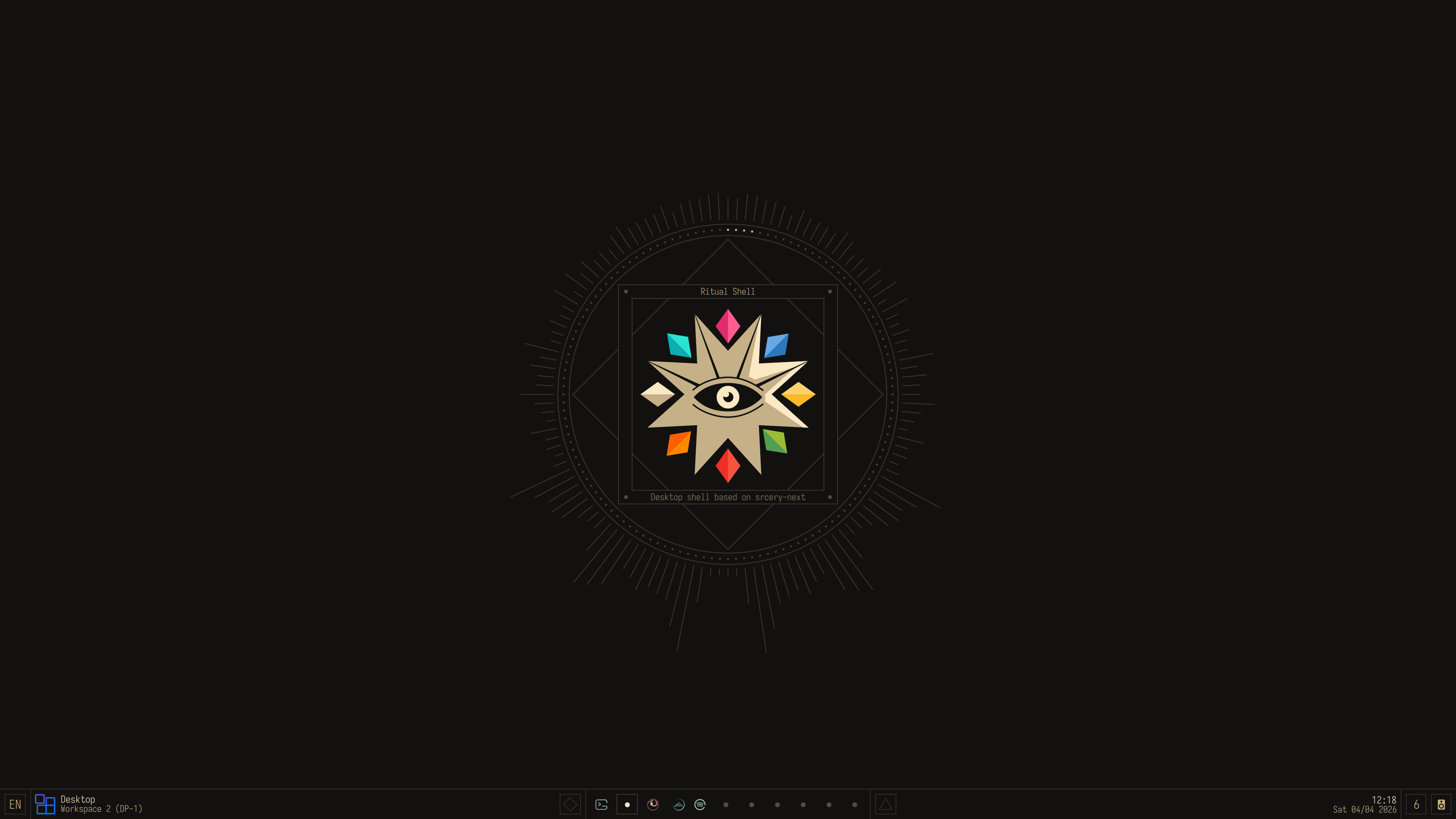
A Srcery themed collection of dotfiles comprising my Ritual desktop shell for Arch Linux. Designed for usability, 4k gaming, and use with multiple monitors. This is my daily driver for keyboard-driven development, while allowing for a more relaxed mouse focused "couch mode".


Things in here often gets replaced and/or deprecated, but there are some mainstays:
| Software | Description | Config |
|---|---|---|
| Zsh | I do most of my work in here | dir, config |
| Nvim | Neovim is my primary editor used in the terminal | dir |
| Hyprland | The compositor that handles monitors, windows, workspaces, etc | dir |
| Scripts | My shell scripts, these control various aspects of the ritual desktop shell | repo |
| Kando | Pie menu used for mouse controls, with a custom theme | dir, theme |
| Quickshell | Launcher, bar, and widgets all made with quickshell | dir, config |
My dotfiles are managed using the method described in the Arch wiki dotfiles article.
git clone --bare git@github.com:roosta/dotfiles.git $HOME/.dotfiles
alias dot='/usr/bin/git --git-dir="$HOME/.dotfiles/" --work-tree="$HOME"'
dot checkout
dot config --local status.showUntrackedFiles no
dot submodule update --init --recursiveIn case there are issues doing checkout, due to conflicting stock files, you
can run this script to back move them to the directory .dotfiles-backup.
mkdir -p .dotfiles-backup && \
dotfiles checkout 2>&1 | egrep "\s+\." | awk {'print $1'} | \
xargs -I{} mv {} .dotfiles-backup/{}
Dependencies are tracked in .dependencies.yml and is installed using install-packages.sh from the scripts submodule.
# Install dependency script requirements
sudo pacman -S --needed git yq base-devel

# Build and install paru
cd ~/build
git clone https://aur.archlinux.org/paru.git
cd paru
makepkg -si# Script will default to ~/.dependencies.yml
# Optionally pass a dependency yml file
~/scripts/install-packages.shMake sure dependencies pre-commit and gitleaks are installed via
.dependencies.yml or install manually.
GIT_DIR=$HOME/.dotfiles/ GIT_WORK_TREE=$HOME pre-commit installgsettings set org.gnome.desktop.interface color-scheme prefer-dark
gsettings set org.gnome.desktop.interface font-name 'Iosevka 10'
gsettings set org.gnome.desktop.interface icon-theme ritual-icons
gsettings set org.gnome.desktop.interface gtk-theme 'Breeze'Settings are stored in .config/kdeglobals, and uses a custom color scheme built atop the Breeze theme.
Tip
To Access color settings among others install the optional dependency plasma-integration
ritual_demo.mp4
Hyprland and Quickshell is used for the custom desktop shell based on the Srcery colorscheme. This is a constant work-in-progress and gets frequently updated and changed based on my needs using it.
I've been heavily inspired by, learned a lot from, and copied portions of code from:
Code copied will be clearly marked with a permalink and modification notice.
Note
Code is licensed with GPLv3
- AvengeMedia/DankMaterialShell: Desktop shell for wayland compositors built with Quickshell & GO, optimized for niri & hyprland. Check out the niri community Discord below.
- Axenide/Ambxst: An Axtremely customizable shell.
- caelestia-dots/caelestia: A very segsy rice
- catdeal3r/fibreglass: Fibreglass is a custom desktop shell created in quickshell.
- cxOrz/dotfiles-hyprland: Hyprland dotfiles on Arch Linux.
- debuggyo/Exo: A Material 3 inspired desktop shell for Niri and Hyprland created with Ignis.
- imarkoff/Marble-shell-theme: Shell theme for GNOME DE
- noctalia-dev/noctalia-shell: A sleek and minimal desktop shell thoughtfully crafted for Wayland.
- xfcasio/amadeus: Amadeus desktop
- xZepyx/nucleus-shell: A shell built to get things done.
Per-host Quickshell configuration is kept in .config/quickshell/config/Config.qml and Hyprland config also requires host configuration for the monitor setup located at .config/hypr/monitors.
These dotfiles are provided as-is with no warranty or guarantee of functionality. They are tailored specifically for my personal setup and workflow, and are not intended to work out-of-the-box on other systems.
Feel free to browse, fork, or borrow ideas, but please review and understand any code before running it on your own machine. Use at your own risk.
Copyright (c) 2015 Daniel Berg
License unless otherwise stated is GPLv3.
