You signed in with another tab or window. Reload to refresh your session.You signed out in another tab or window. Reload to refresh your session.You switched accounts on another tab or window. Reload to refresh your session.Dismiss alert
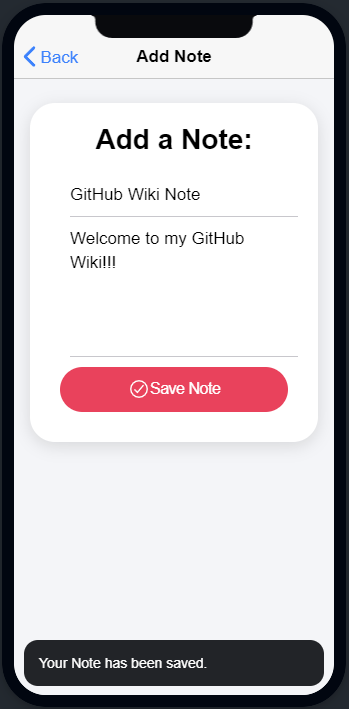
After you enter the Add Note page, You will be greeted with two input boxes Which is a Title and the Content of your note, Clicking Save note will add your note to the app.
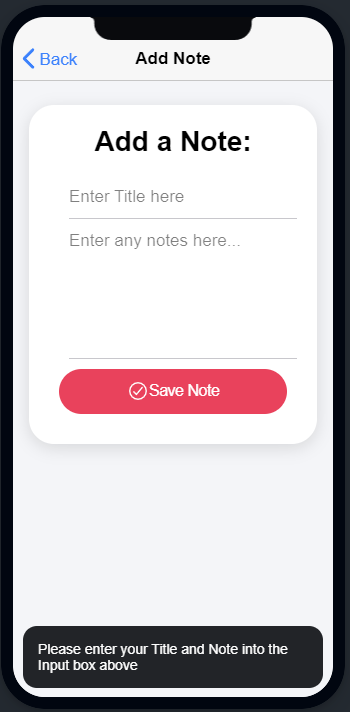
-Blank Inputs are invalid and users will receive feedback.