SanityPress is a free, open-source (MIT) Next.js 16 + Sanity page builder template for marketing sites and blogs. Editors build pages from reusable modules in Sanity Studio, and developers get a type-safe App Router codebase with SEO, redirects, and Visual Editing built in.
npm create sanitypressThis repository is the actively maintained version of SanityPress. The original 2023 version (nuotsu/sanitypress-2023) is archived.
Get started | Read more about TypeGen | View on Sanity.io
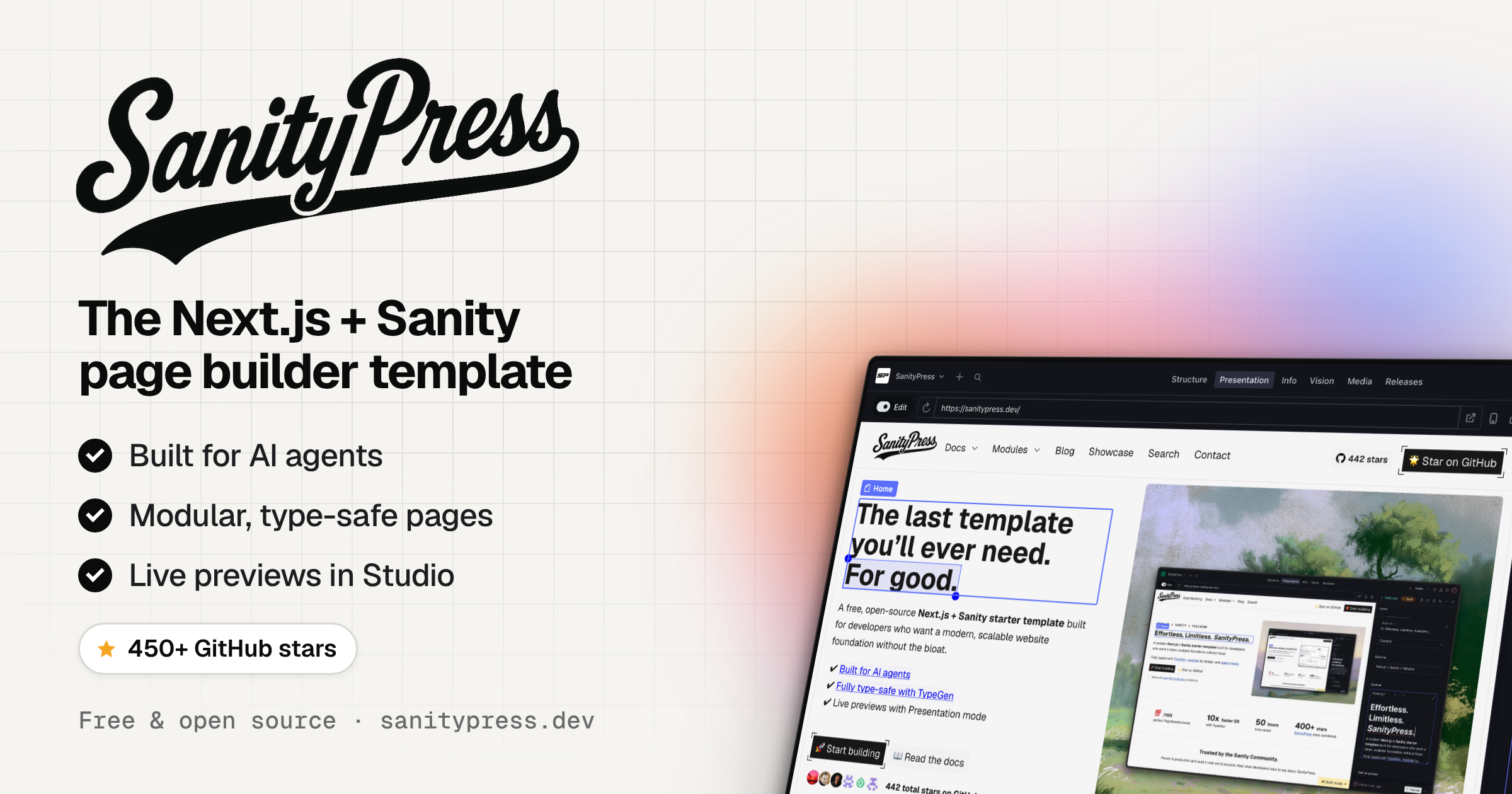
- Next.js 16 (App Router, Server Components, TypeScript) with Tailwind 4
- Page builder with reusable modules
- GROQ TypeGen for your Sanity Schema types
- Perfect PageSpeed Insight scores
- Live Content API with Visual Editing
- Optimized images with Next Image component and Sanity CDN
- Auto-generated sitemap.xml and blog RSS feed
- SEO built in (metadata, canonicals, sitemap.xml, redirects managed in Studio)
- AI-agent ready (
/llms.txtand Markdown versions of pages for AI crawlers) - Agent skills included (
.agents/skills/, tracked inskills-lock.json) plusAGENTS.md/CLAUDE.mdguidance for Claude Code and other coding agents
SanityPress
├─ src/
│ ├─ app/              # Next.js App Router
│ │ ├─ (frontend)/     # Public-facing site
│ │ │ ├─ layout.tsx    # Frontend root layout
│ │ │ ├─ not-found.tsx # 404 page
│ │ │ ├─ [[...slug]]/  # Catch-all for all standard pages
│ │ │ ├─ blog/[slug]/  # Individual blog post pages
│ │ │ ├─ blog/rss.xml/ # RSS feed endpoint
│ │ │ └─ api/          # API route handlers
│ │ │ │ ├─ draft-mode/ # Enable/disable Sanity draft mode
│ │ │ │ └─ og/         # Open Graph image generation
│ │ ├─ (studio)/admin/ # Sanity Studio (CMS editor UI)
│ │ └─ sitemap.ts      # Auto-generated sitemap
│ ├─ modules/          # Colocated modules (one folder per Sanity module `_type`)
│ │ └─ <module-name>/
│ │   ├─ index.tsx     # Frontend component
│ │   ├─ schema.ts     # Sanity schema
│ │   └─ query.ts      # GROQ projection (only if needed)
│ ├─ ui/               # React components
│ │ ├─ modules/        # ModulesResolver + <Module> wrapper
│ │ ├─ blog/           # Shared blog UI helpers (filters, previews, etc.)
│ │ ├─ header/         # Header, navigation, megamenu
│ │ ├─ footer/         # Footer and link list
│ │ └─ ...             # Shared components (CTA, Img, Logo, etc.)
│ ├─ sanity/           # Sanity CMS configuration
│ │ ├─ schemaTypes/
│ │ │ ├─ documents/    # Top-level content types (page, blog.post, site, navigation…)
│ │ │ ├─ objects/      # Reusable field groups (cta, link, metadata…)
│ │ │ └─ fragments/    # Shared helpers (define-module, modules field)
│ │ ├─ lib/            # Queries, GROQ fragments, fetch helpers, image builder
│ │ ├─ ui/             # Custom Studio UI components
│ │ └─ ...             # Sanity files
│ ├─ lib/              # Shared app utilities and env helpers
│ ├─ hooks/            # Custom React hooks
│ └─ types/            # Global TypeScript declarations
├─ public/
│ ├─ module-thumbnails/ # Studio insert-menu previews (`<module-name>.webp`)
│ └─ ...               # Favicon and other static assets
├─ .env.*              # Environment variable template
├─ next.config.ts      # Next.js configuration
├─ sanity.config.ts    # Sanity Studio configuration
├─ sanity.cli.ts       # Sanity CLI configuration
└─ package.json
Install with the SanityPress CLI:
npm create sanitypressThis creates your Sanity project and .env.local, installs dependencies, imports the required starter documents and adds the SanityPress agent skills. Options:
| Option | Default | Description |
|---|---|---|
--seed=minimal|demo|none |
minimal |
Starter content to import |
--no-blog |
blog on | Leave out the Blog page and blog post template (minimal only) |
With npm, pass options after -- (e.g. npm create sanitypress my-site -- --seed=demo).
Alternatively, click the Sanity template link.
If initialized via the SanityPress CLI, the Sanity CLI or the Sanity template link, the .env.local file should be created automatically.
Otherwise, duplicate the .env.example file as .env.local and assign the variables to your project:
# .env.local
NEXT_PUBLIC_BASE_URL="https://example.com" # your website's domain

NEXT_PUBLIC_SANITY_PROJECT_ID="abcd1234" # Sanity project id
NEXT_PUBLIC_SANITY_DATASET="production" # Sanity dataset name

SANITY_API_READ_TOKEN="..." # API token with "Viewer" permissionsNEXT_PUBLIC_BASE_URL to your production domain.
Install required packages and dependencies with your desired package manager (e.g. npm, pnpm, deno, bun, etc.).
npm installOnce installed, run the development script:
npm run devThen open:
- Next.js frontend: http://localhost:3000
- Sanity Studio: http://localhost:3000/admin
Publish the required documents: site and page (with the slug "index"). Otherwise, you’ll just see a blank page on the Next.js frontend.
The SanityPress CLI (--seed=minimal, the default) imports all of these except the 404 page.
What you'll need:
| Document | Slug or Path | Usage | Required? | Notes |
|---|---|---|---|---|
site |
Global settings | Yes | ||
page |
index |
Homepage route | Yes | |
page |
404 |
Not found route | ||
page |
blog |
Blog listing route | Add the Blog index module | |
global-module |
blog/ |
Blog post template | Add the Blog post content module |
Alternatively, you can run the following command to import a demo dataset with the required documents:
sanity dataset import demo.tar.gz📸 See what the Sanity Studio backend looks like on the Screenshots page.
Add a Vercel (default) or Netlify widget to enable deployments from the Studio.
Adjust frontend styles to your liking, edit or add new schema and modules, etc.
SanityPress started in 2023 as a Next.js + Sanity.io starter template. That version lives on, archived, at nuotsu/sanitypress-2023. This repository is its rewrite, adding auto-generated TypeScript types from your Sanity schema and GROQ queries, and is the version that is actively maintained.