
My dotfiles configuration.
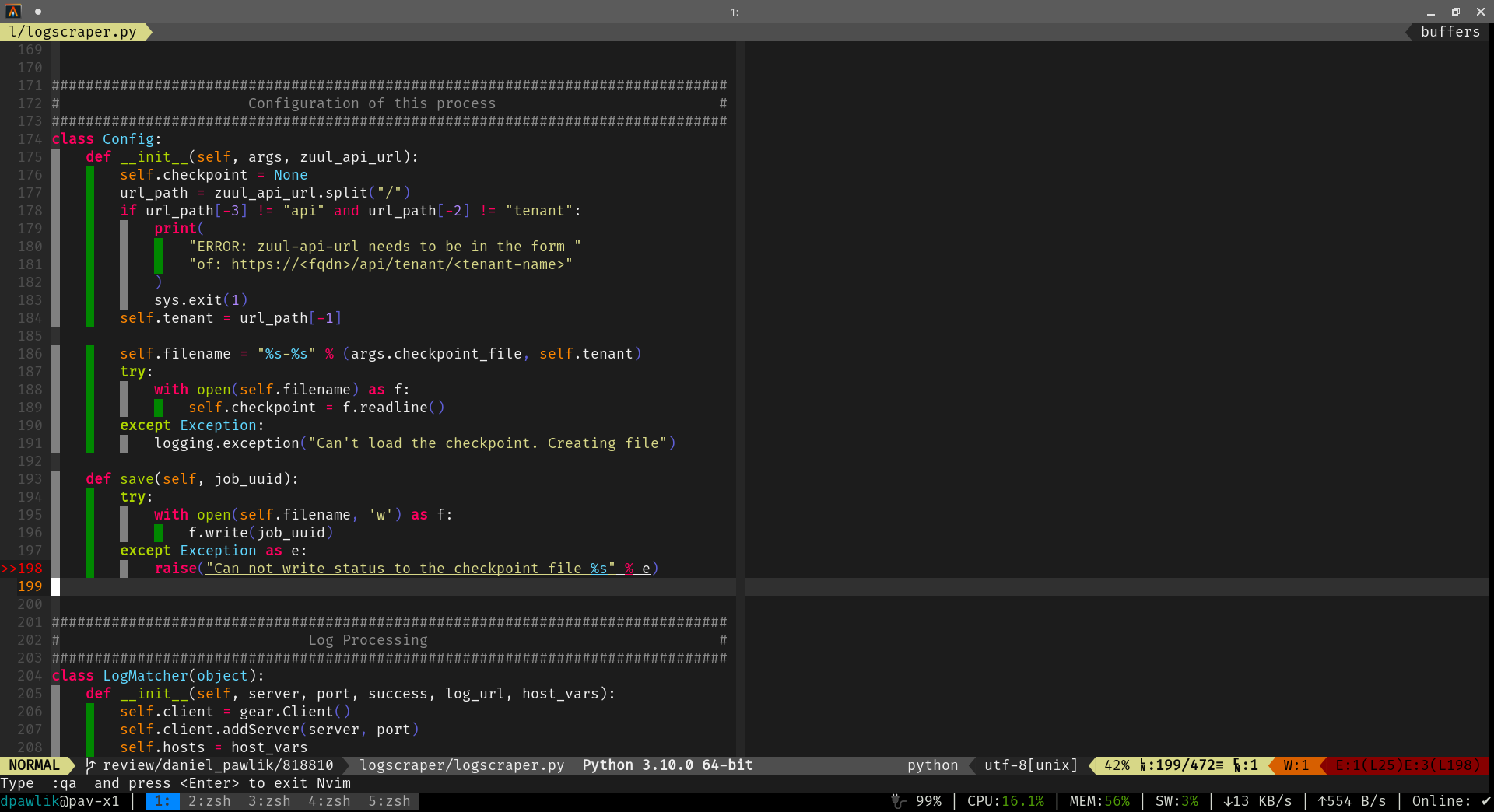
tl; dr
curl -SL https://raw.githubusercontent.com/danpawlik/dotfiles/master/setup-vim.sh | bashor use neovim nightly version:
curl -SL https://raw.githubusercontent.com/danpawlik/dotfiles/master/setup-vim.sh | NVIM_VERSION=nightly bashIf you want to install some other vim distribution, that works well on neovim like:
sudo dnf install -y git ansible-core
git clone https://github.com/danpawlik/dotfiles
ansible-playbook --ask-become-pass dotfiles/ansible/playbooks/dotfiles.yml
The Ansible collections used by the role are installed by the ansible component.
sudo dnf install -y git ansible-core
git clone https://github.com/danpawlik/dotfiles
ansible-playbook --ask-become-pass dotfiles/ansible/playbooks/vim.yml
When you have an error:
No "python3" provider found. Run ":checkhealth provider"Install pynvim package into python user environment for all Python3 releases.
For example:
python3.10 -m pip install --user pynvim
python3.9 -m pip install --user pynvimtl; dr
curl -LO https://raw.githubusercontent.com/danpawlik/dotfiles/master/install.sh | bashtl;dr
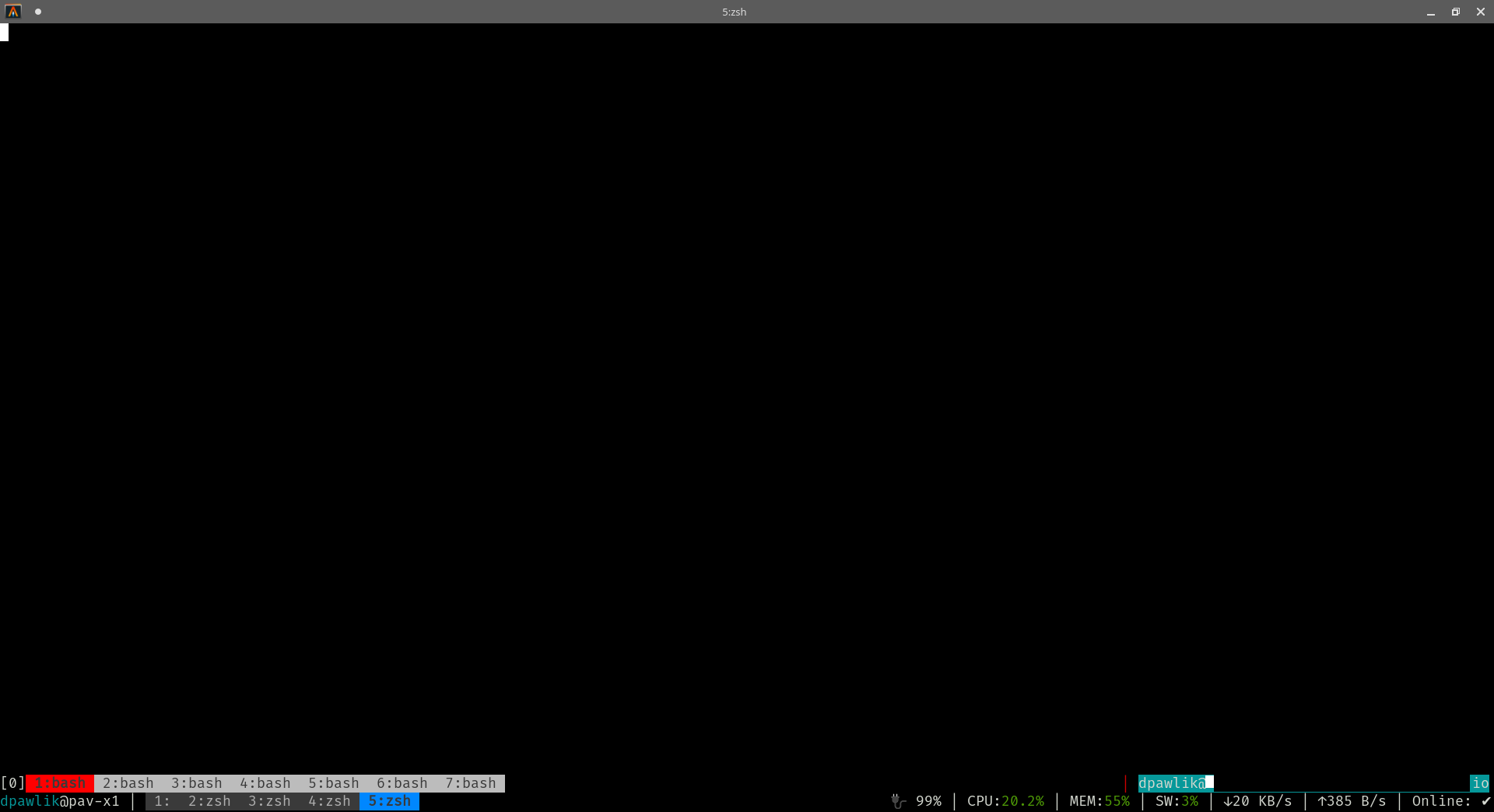
curl -SL https://raw.githubusercontent.com/danpawlik/dotfiles/master/tmux/.tmux.conf > $HOME/.tmux.conf
git clone https://github.com/tmux-plugins/tpm $HOME/.tmux/plugins/tpm
$HOME/.tmux/plugins/tpm/bin/install_plugins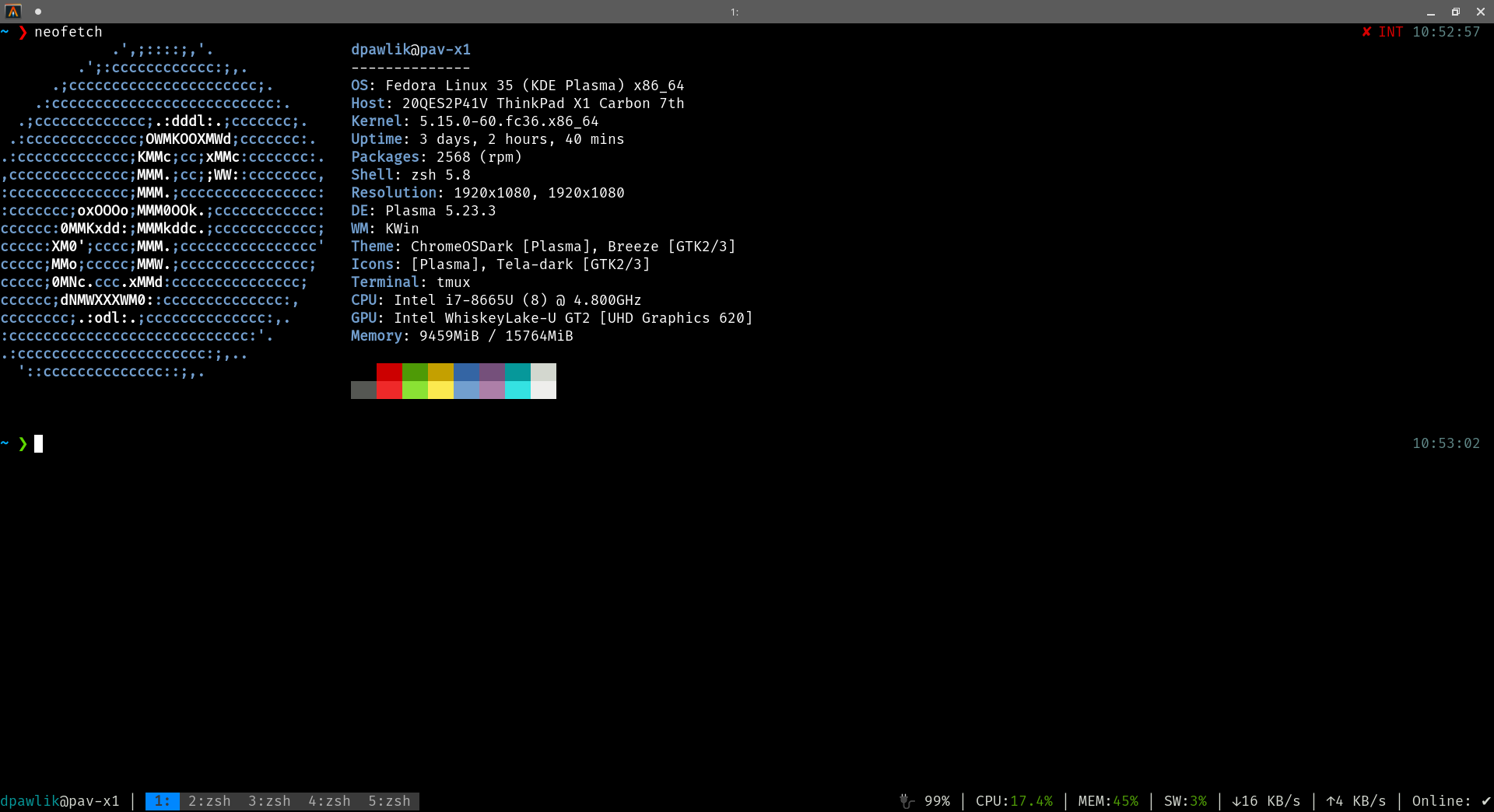
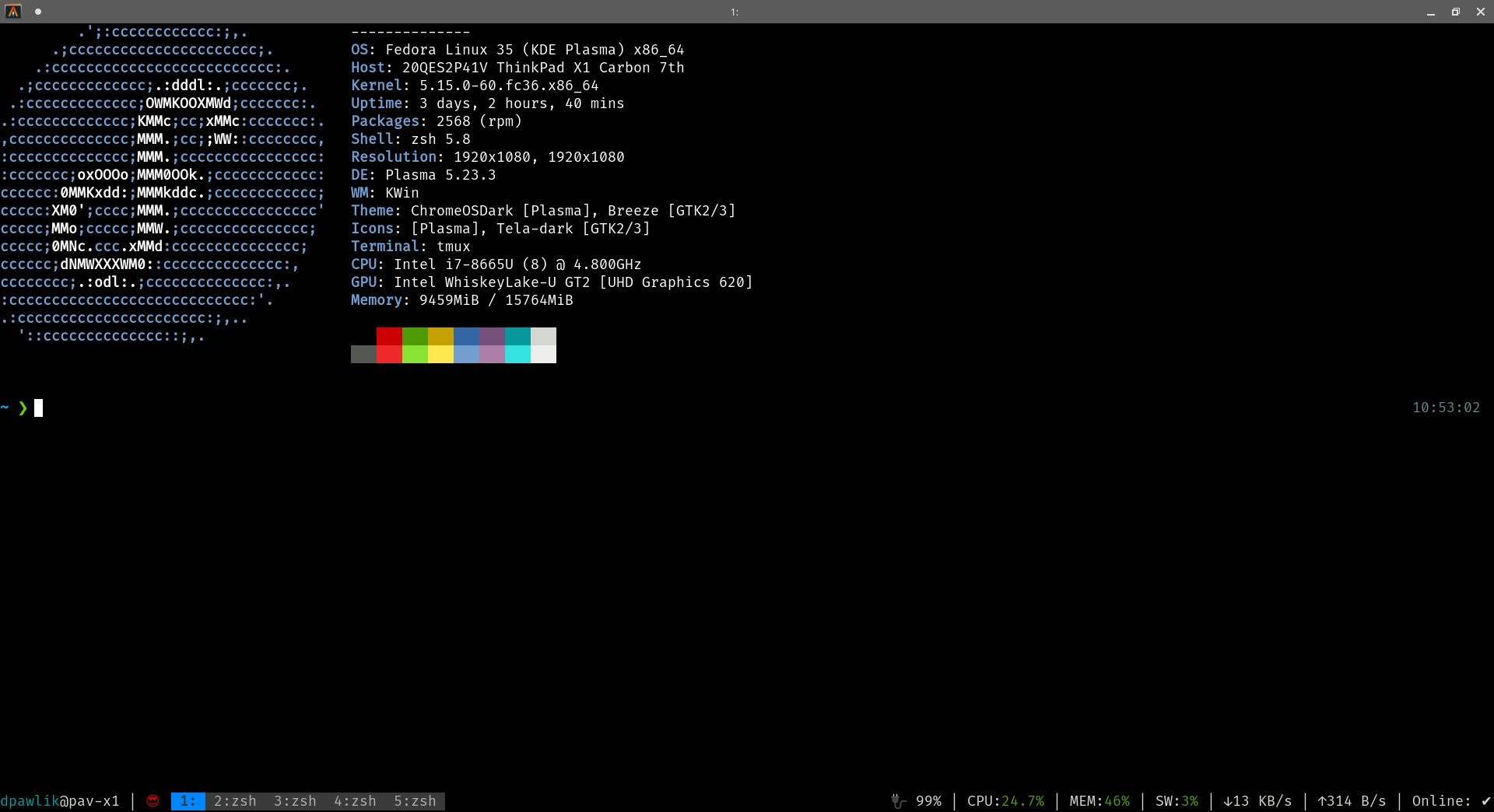
The vim playbook installs Neovim and the NvChad config from vimrc/nvchad
(nvim_config: nvchad). To use another distribution, clone it into
~/.config/nvim, replacing the config installed by the playbook.
sudo dnf install -y git python3-pip
pip3 install -U setuptools pip
git clone https://github.com/danpawlik/dotfiles
ansible-playbook --ask-become-pass dotfiles/ansible/playbooks/vim.yml
Distros, for example:
git clone https://github.com/AstroNvim/AstroNvim ~/.config/nvim
nvimgit clone https://github.com/NvChad/NvChad ~/.config/nvim --depth 1
nvimTo disable mouse copy as visualization or remove whitespaces, add on the end to the ~/.config/nvim/init.lua
vim.cmd [[set mouse-=a]]

vim.api.nvim_create_autocmd({ "BufWritePre" }, {
  pattern = { "*" },
  command = [[%s/\s\+$//e]],
})Run inside the neovim distro:
You can choose the Lsp packages to be installed via plugin manager and press "i" on desired plugin:
:Masonvia Mason:
:MasonInstall ansible-lint bash-language-server checkmake commitlint dhall-lsp dockerfile-language-server gitlint goimports gopls helm-ls html-lsp jedi-language-server jinja-lsp jq-lsp json-lsp lua-language-server markdownlint marksman misspell prettier pyright python-lsp-server rstcheck ruff ruff-lsp rust-analyzer shellcheck staticcheck systemdlint trivy vim-language-server yaml-language-server yamllintMake sure, that ~/.local/share/nvim/mason/bin/ is set in the PATH.
Additional configs: https://github.com/neovim/nvim-lspconfig/tree/master/lua/lspconfig/server_configurations
To check what LSP or TS plugins are enabled, type in vim:
LspInfoFor TS:
Basic plugins,eg.:
:TSInstall bash cmake comment css dockerfile go graphql haskell html http javascript json make markdown python rst rust typescript vim yamlTSModuleInfo# For vim config and neovim
sudo rm -rf ~/.local/nvim ~/.local/share/nvim ~/.cache/nvim ~/.config/nvim ~/.local/nodejs ~/.vim ~/.vimrc ~/.local/bin/node ~/.local/bin/npm ~/.local/bin/vim