Client and Server Side Programming course's final task-website for online shop for electronic products.
https://tree-electronics.herokuapp.com/
Screen shots
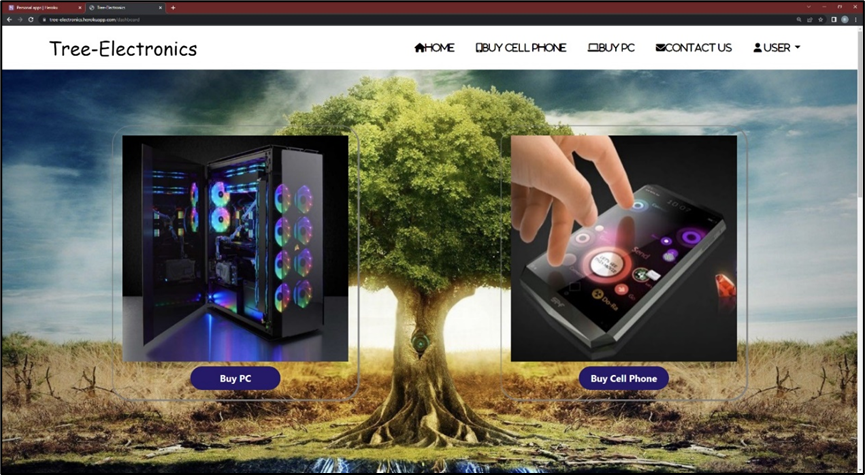
Dashboard upper part
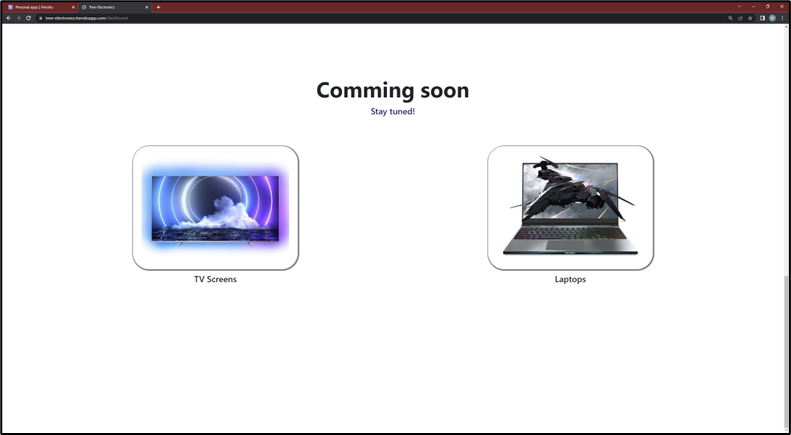
Dashboard lower part
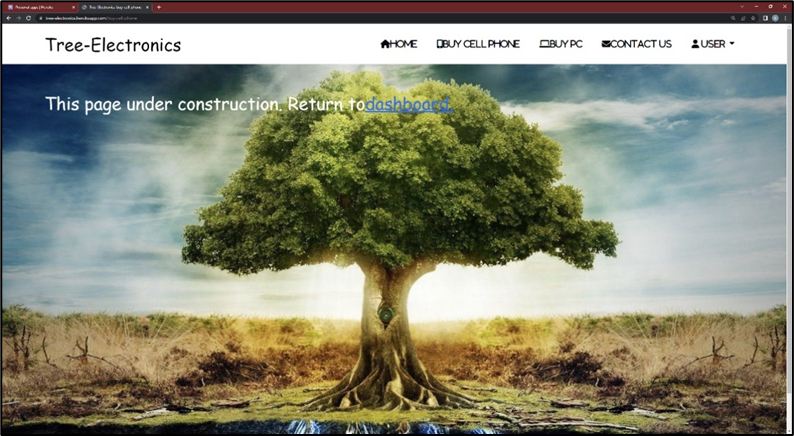
Buy Cell phone
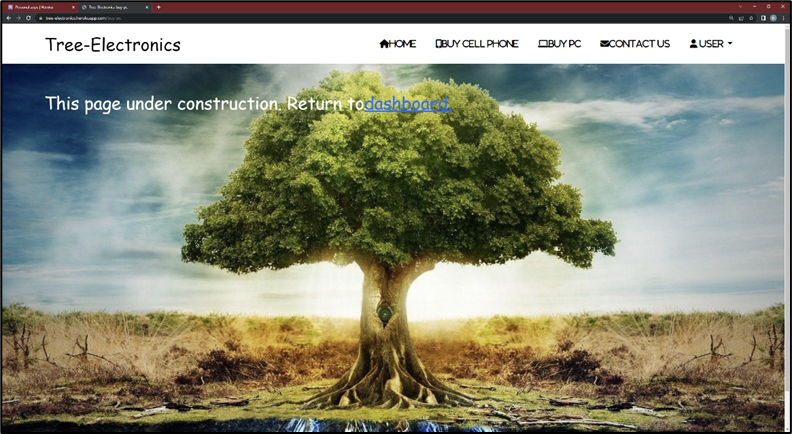
Buy pc
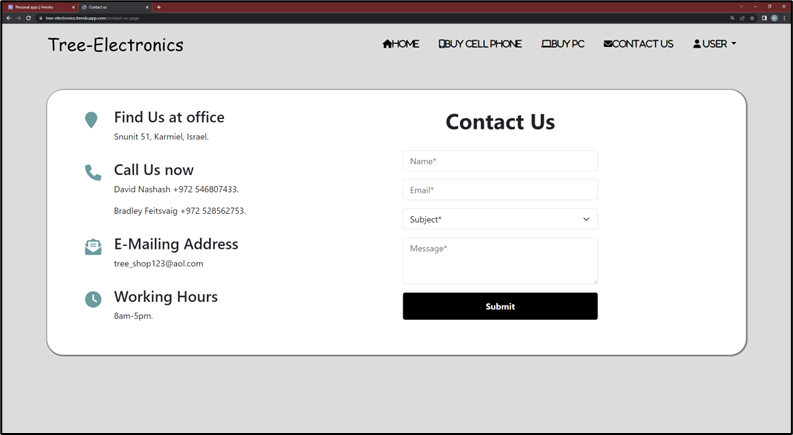
Contact us
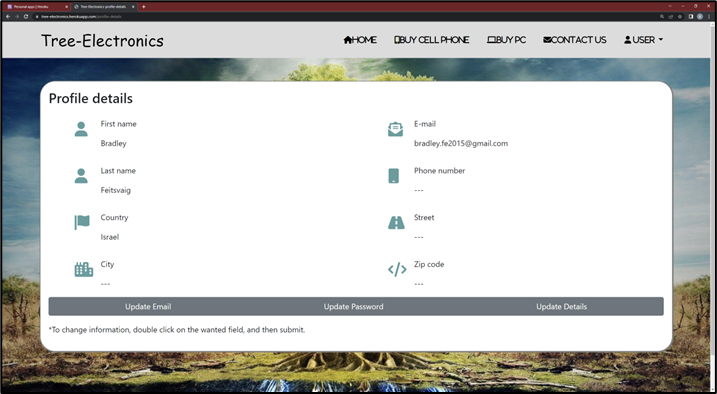
Profile details and update
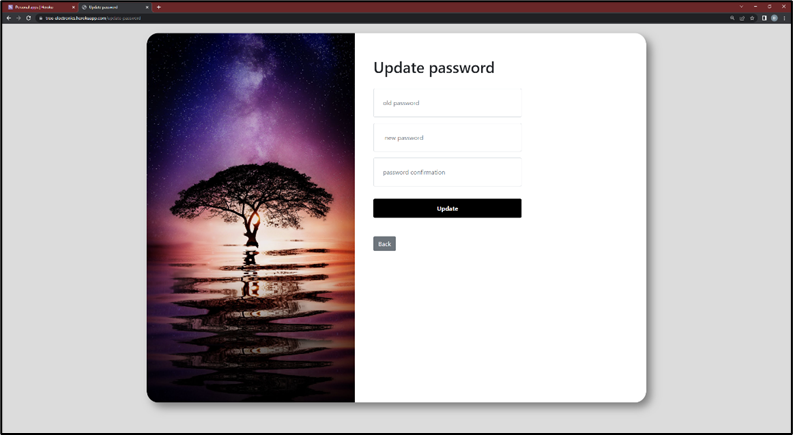
Update password
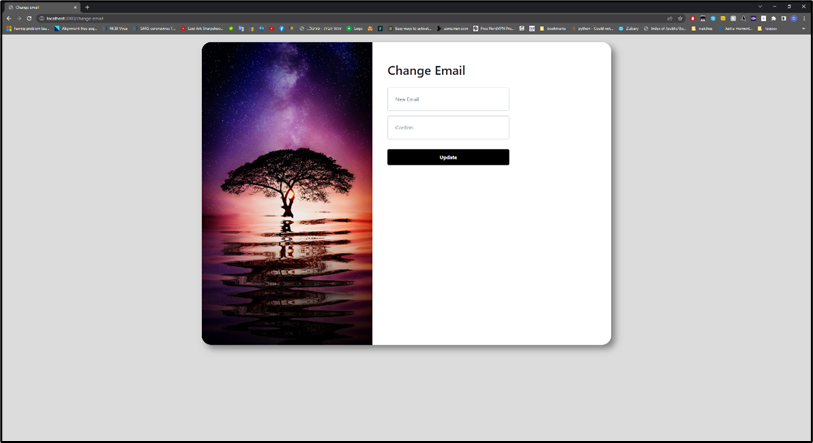
Update email
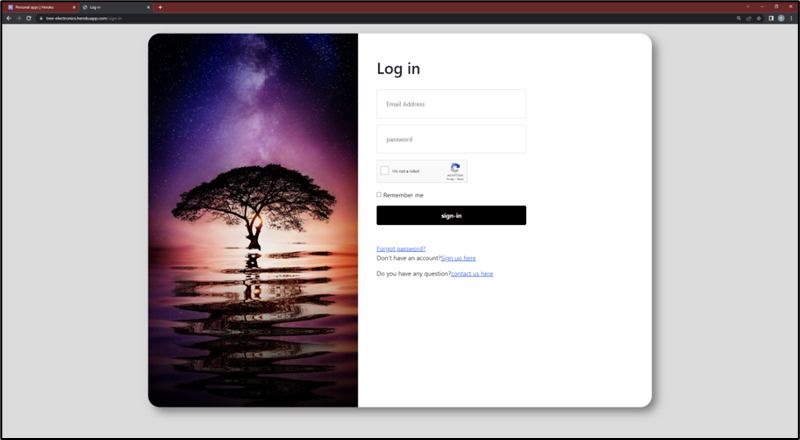
Log-in
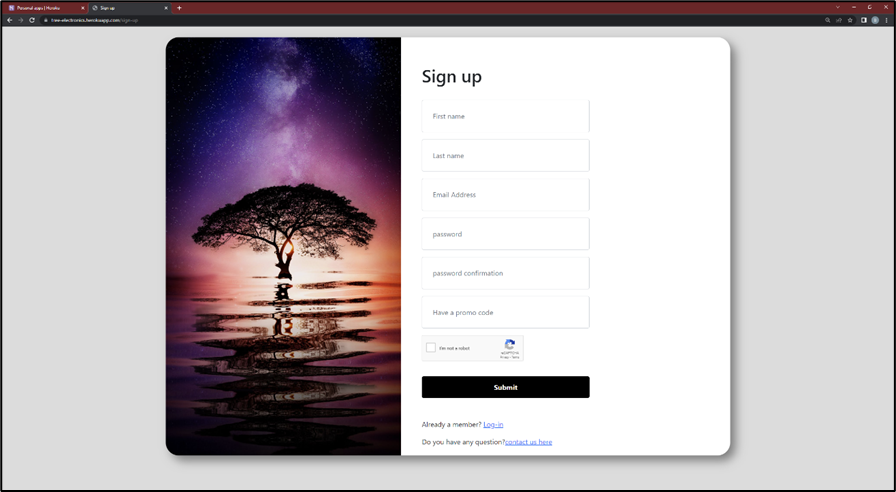
Sign-up
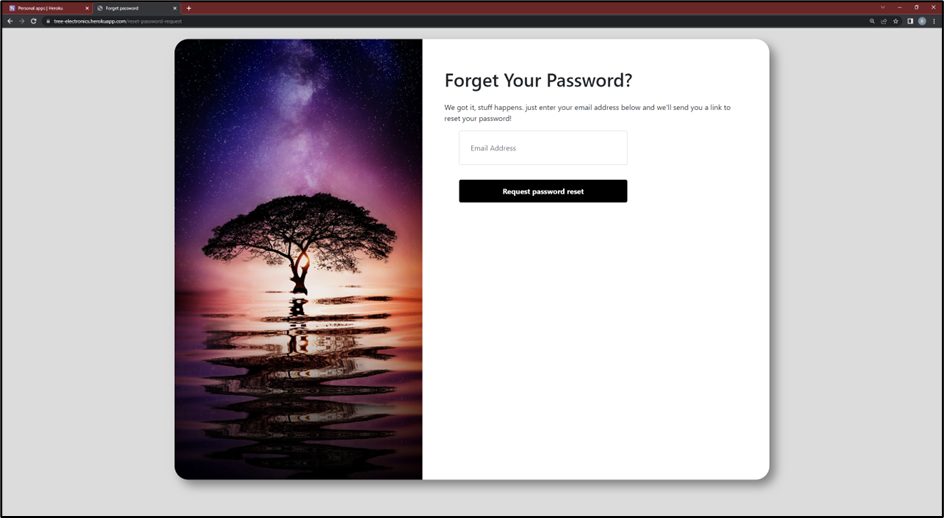
Forget Password
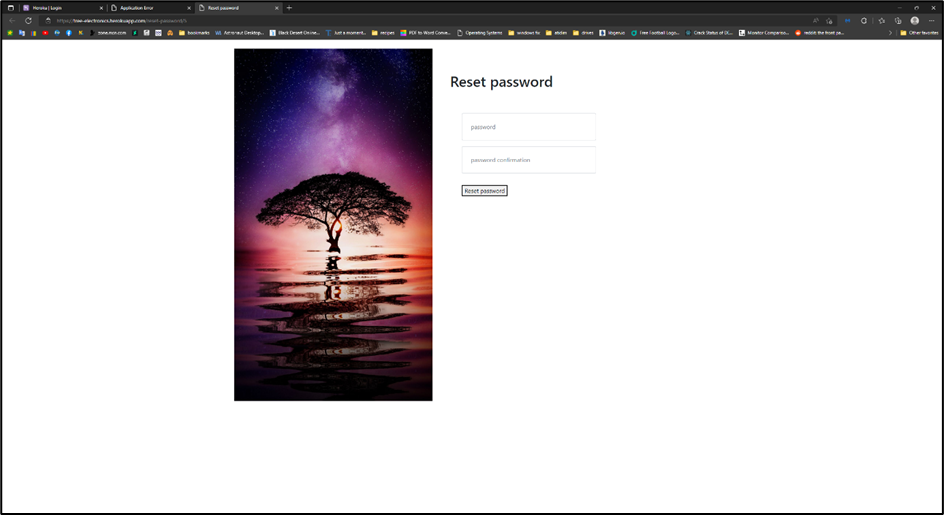
Reset Password (The window to which you redirect after you click on the link you receive in the email of requesting a password change)
Page not found:

How to use site:
-
First enter the site https://tree-electronics.herokuapp.com/ if user was signed in already it moves to dashboard else main page will be sign in page.
-
Sign up page: To sign in first need an account. to create an account, click on sign up here a. In the sign-up page you must fill first name, last name, email, password, confirm password, and verify ReCAPTCHA, only the promocode is optional b. (Password must be 6 characters with at least 1 number and 1 special character) c. if required fields are not filled correctly a message will appear accordingly including password and confirm password do not match. d. If promocode does not exist or email already in use a message will be displayed. e. If all fields are correct, a mail will be sent to the email with verification link.
-
Sign in page: user must fill password and email and check I am not a robot. a. If fields are not filled or user does not exist or wrong password or reCAPTCHA is not checked or email not verified yet, a message will appear. b. If remember me is checked the user will be remembered for next time.
-
Dashboard page: if login was successful user will be moved to dashboard. a. In the dashboard there is a navigation bar up top, in order to navigate between User, contact us, buy cell phone, buy PC, Home. b. In order to log out: click on User -> logout.
-
profile details page: from dashboard click -> User -> “Profile details”: a. In this page the user can update their: first name, last name, country, city, Phone number, street, zip code. b. To update double click on required field, change info and click on update. c. System will not let the user update if they left an empty field. d. To update email, click on update email and to update password click on update password.
-
change email page: to enter click on -> “update email” in profile details page. a. Fields must be filled, if new email not in system a verification link will be sent to the new email only after clicking on link the changing will happen and link will be invalid afterwards. b. Possible errors: emails not matching or email already registered.
-
update password page: to enter click on -> “update password” in profile details page. a. 3 fields. One for old password and 2 for new (password and confirm password). b. Possible errors: old password incorrect, passwords do not match and password must be 6 characters with at least 1 number and 1 special character.
-
Contact us page: from dashboard click -> “contact us page”, or from sign in page -> “contact us here”. a. All fields are required, once submit is clicked a mail will be sent to tree_shop123@aol.com with the message and a copy will be sent to the user.
-
Forget Password: in case user forgot his password click on Forget Password in the sign-up page. a. 1 field for email, once submitted an alarm will pop saying if email in the database a link to reset password was sent. b. A link with unique string will be sent to the email that redirects to reset password page.
-
Reset password page: if link from email was correct it redirects to reset password page otherwise to sign in page. If password was chosen according to password changing rules. The link will be invalid for future use, and password will be changed.
-
Buy PC page and buy cellphone Page, these pages are under construction. To enter them you click on either of “buy PC” or “buy cellphne” from the dashboard.
• Dashboard, profile details, update email, update password, buy pc and buy cellphone pages can be accessed only if user is logged in otherwise user will be redirected to sign in page.
Technologies
List of main node js packages
• Bcrypt – to encrypt passwords and uniqueIDs
• Passport- to authenticate users on login
• Express- session – to create a session for a user and save cookies
• Nodemailer – to be able to send mails
• EJS – template engine for html generating
• PG – for postgresql
Other technologies:
• Heroku - a cloud platform as a service that support node js
• Postgresql - open-source object-relational database system
• GIT - free and open-source distributed version control system
• Github - a provider of Internet hosting for software development and version control using Git.
• Recaptcha - a free service that protects the site from spam and abuse – “I am not a robot”.